How to Train an AI Agent on Your Company Data (Knowledge Base)
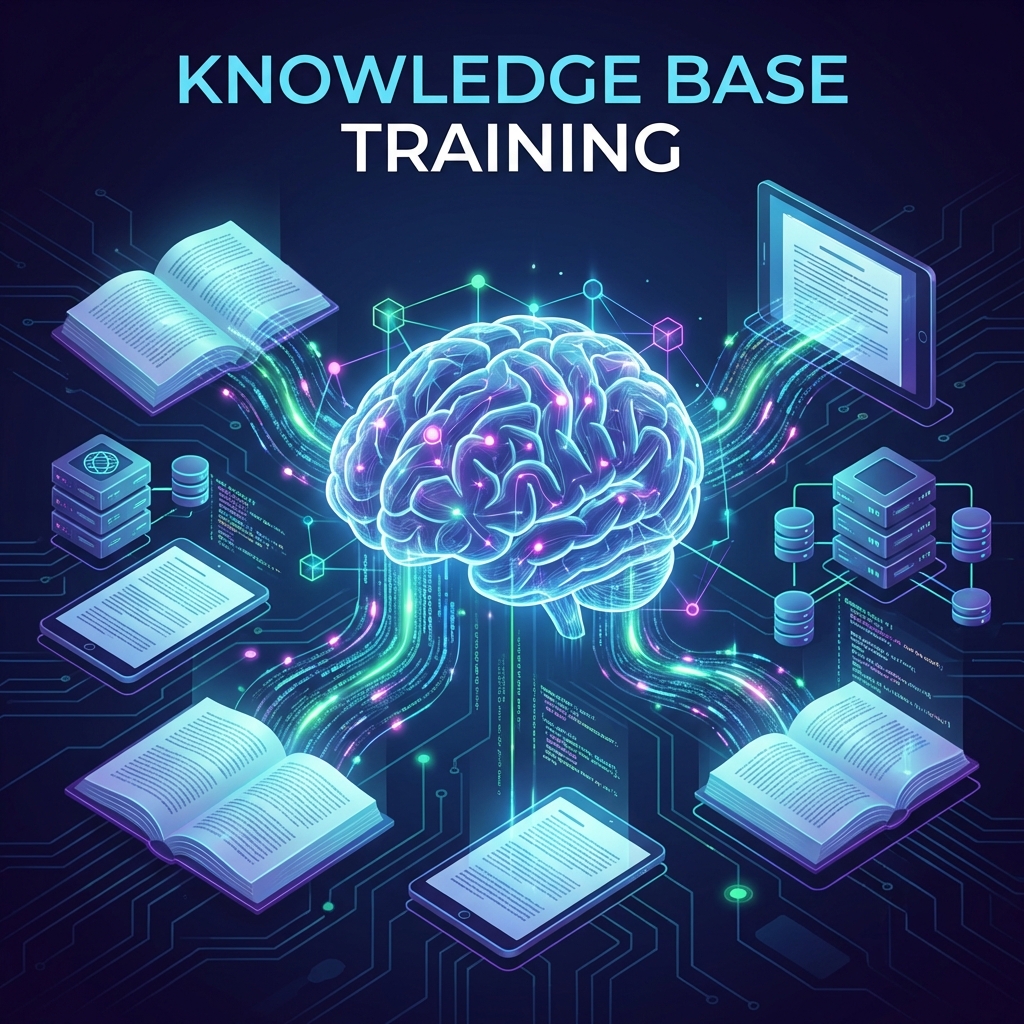
The most common question I get: "Can I just upload all my PDFs to ChatGPT?" The answer is Yes, but default ChatGPT is lazy. It will hallucinate or miss details.
For Enterprise-grade reliability, you need a custom Ingestion Pipeline.
The "Garbage In, Garbage Out" Rule
If you feed your Agent a 50-page PDF where 10 pages are just "Copyright 2024" footers, the Agent gets confused. Preprocessing is 80% of the work.
Step 1: The Cleaner (Unstructured.io)
We use open-source tools like unstructured to strip out headers, footers, and page numbers.
We also chunk the text.
- Bad Chunking: Splitting every 1000 characters. (Cuts sentences in half).
- Smart Chunking: Recursive splitting by Paragraph -> Sentence -> Word.
Step 2: The Vector Store (Pinecone / Weaviate)
We turn text into numbers (Vectors).
- "Apple" -> [0.1, 0.5, 0.9]
- "Fruit" -> [0.1, 0.5, 0.8]
- "Car" -> [0.9, 0.1, 0.1]
This allows the Agent to do Semantic Search. It finds "Fruit" even if you search for "Apple".
Step 3: The Retrieval Loop
When a user asks: "What is our policy on remote work?"
- Agent turns question into Vector.
- Database finds top 3 matching Chunks.
- Agent reads Chunks + Question.
- Agent generates Answer.
Common Pitfalls
- Outdated Data: If you update the PDF, you must delete the old vectors. Otherwise, the Agent finds BOTH versions and gets confused.
- Table Formatting: PDFs with complex tables are the enemy. You need specialized OCR (like Amazon Textract) to preserve row/column structure.
Protecting your company data is paramount. Read our CTO guide to data privacy in the age of agents.
Want to build a Corporate Brain?
We build secure RAG pipelines that turn your dusty Sharepoint into an Oracle.
Book a Knowledge Engineering Call Start chatting with your data today.